Home About Us Products Solutions Downloads Team eNews Blog Contact Design Engg Get a Demo →
Home EnSmart Scanner
⬡ Free Tool · iBus + Modbus + BACnet/IP · Windows

EnSmart ScannerMulti-Protocol Industrial Scanner.

A free Windows tool for commissioning engineers, system integrators and automation technicians. Scan, read and write across five industrial protocols from a single unified interface. Built around the open iBus protocol — India's named-point extension for industrial communication.

Learn about iBus Protocol →
What is iBus?

The Open Industrial Protocol Built for Indian Manufacturing.

iBus is an open industrial protocol extension that adds named data points, auto-discovery and descriptor blocks to standard Modbus transport. Instead of cryptic register addresses (like 40005), iBus devices expose human-readable names like AHU01_SAT or AHU01_VFD_SPEED.

Maintained by the iBus Network, the protocol is free to implement, vendor-neutral and designed specifically for the Indian industrial automation market. It works over both TCP (Ethernet) and RTU (RS-485) transport layers.

Visit ibusnetwork.org →
Why EnSmart Scanner

Replace 3 Paid Tools With 1 Free One.

Tool Protocols Free Named
ModScan32Modbus
ModPollModbusCLI
YabeBACnet only
EnSmart All 5
Features

5 Protocols. One Interface.

🔌
iBus TCP
Discover and read named points over Ethernet. Auto-discovery with FC65/FC66/FC67 function codes.
📡
iBus RTU
Serial RS-485 discovery and monitoring. Scan the bus for all iBus-capable slaves automatically.
🌐
Modbus TCP
Read/write holding registers, input registers, coils and discrete inputs over TCP/IP.
📶
Modbus RTU
Standard RS-485 Modbus support with COM port enumeration and configurable baud rates.
🏢
BACnet/IP
Who-Is discovery, object read/write, present value monitoring. ASHRAE 135 compatible.
💾
Export CSV / XLSX
One-click export of discovered points, values and traffic logs for reporting and analysis.
📝
Activity Log
Timestamped log of every connection, scan and read/write operation for commissioning records.
💽
Single .exe Installer
One Windows installer. No prerequisites. Ready to use in under 60 seconds. No license key.
Screenshots

See EnSmart Scanner In Action

Clean, minimal interface designed for field use. Protocol tabs at the top, connection panel on the left, live data on the right.
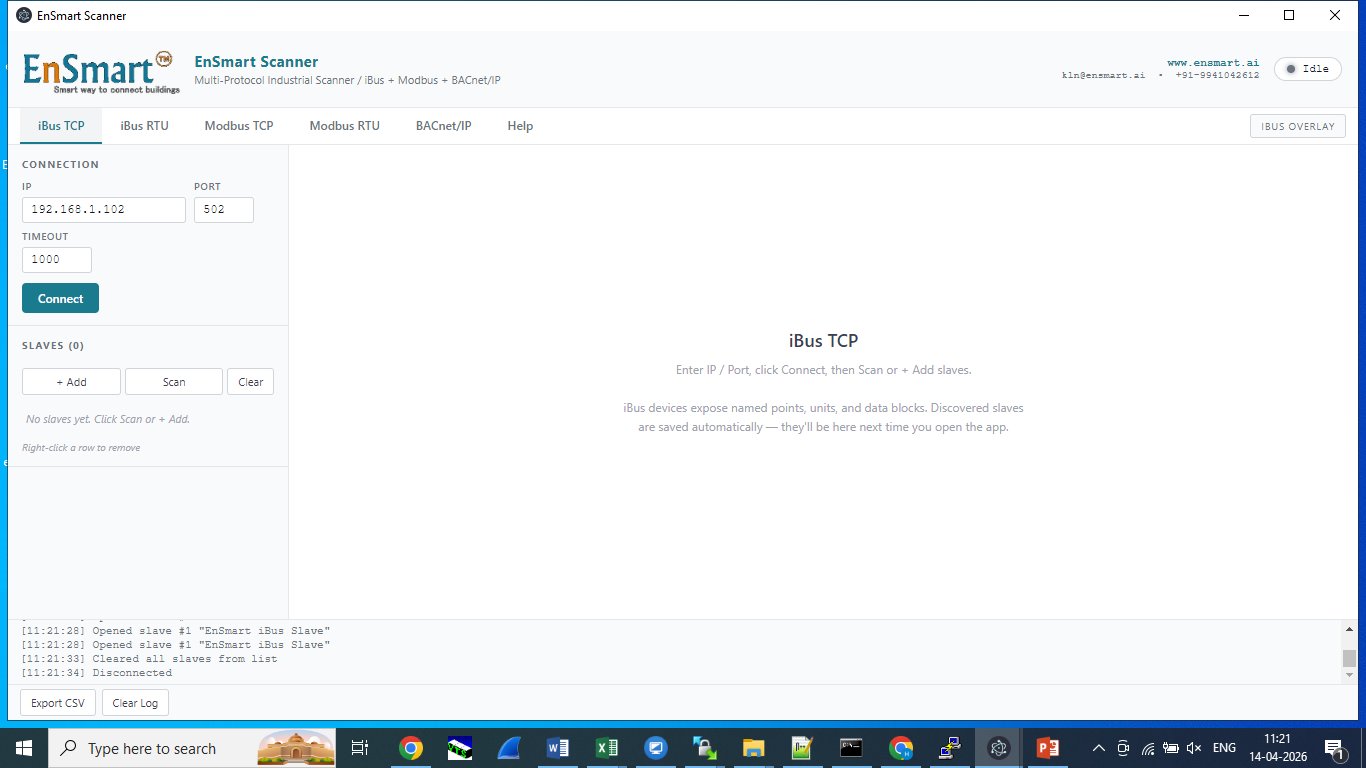
EnSmart Scanner — iBus TCP connection screen
01
iBus TCP Connection
Connect to any iBus-capable device over Ethernet. Scan or manually add slaves by ID.
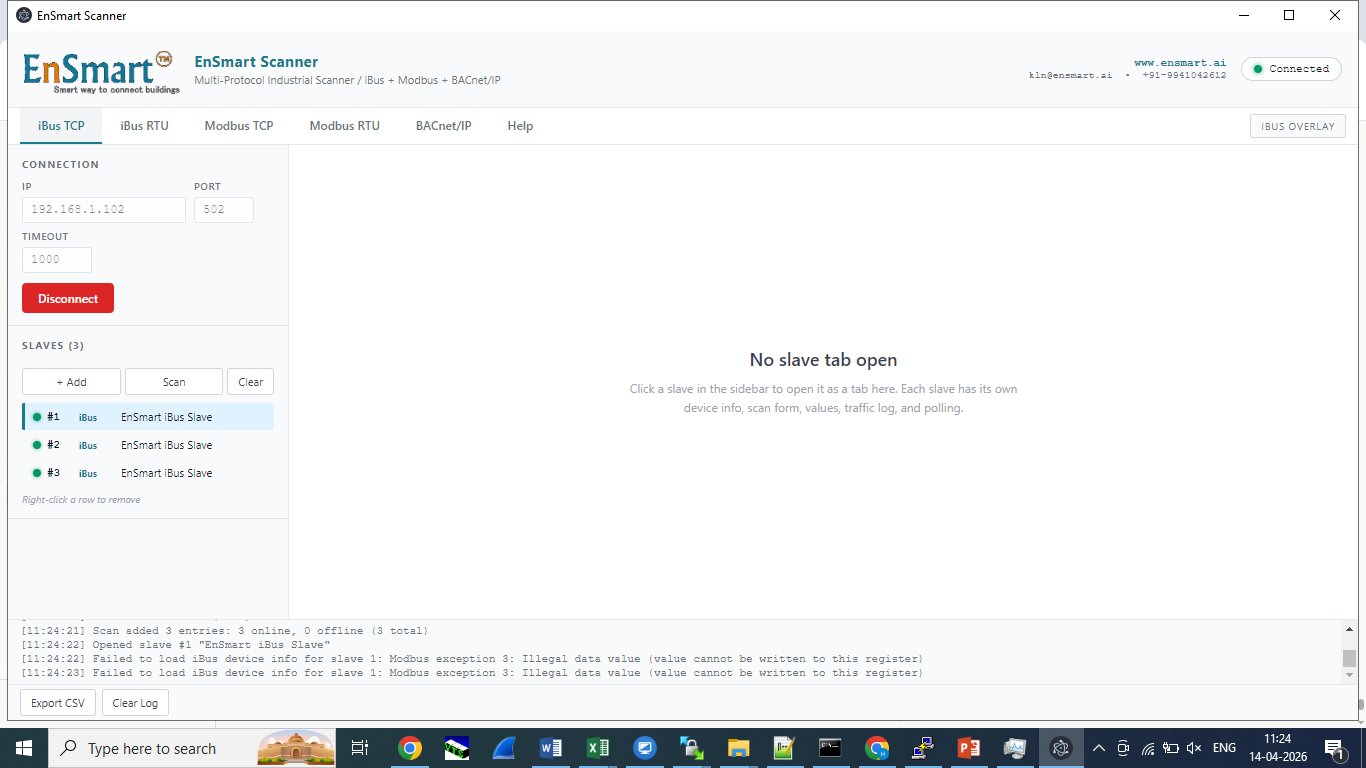
EnSmart Scanner — iBus slave discovery
02
Auto-Discovery
Scan the bus and get a list of every online iBus slave with device type and status.
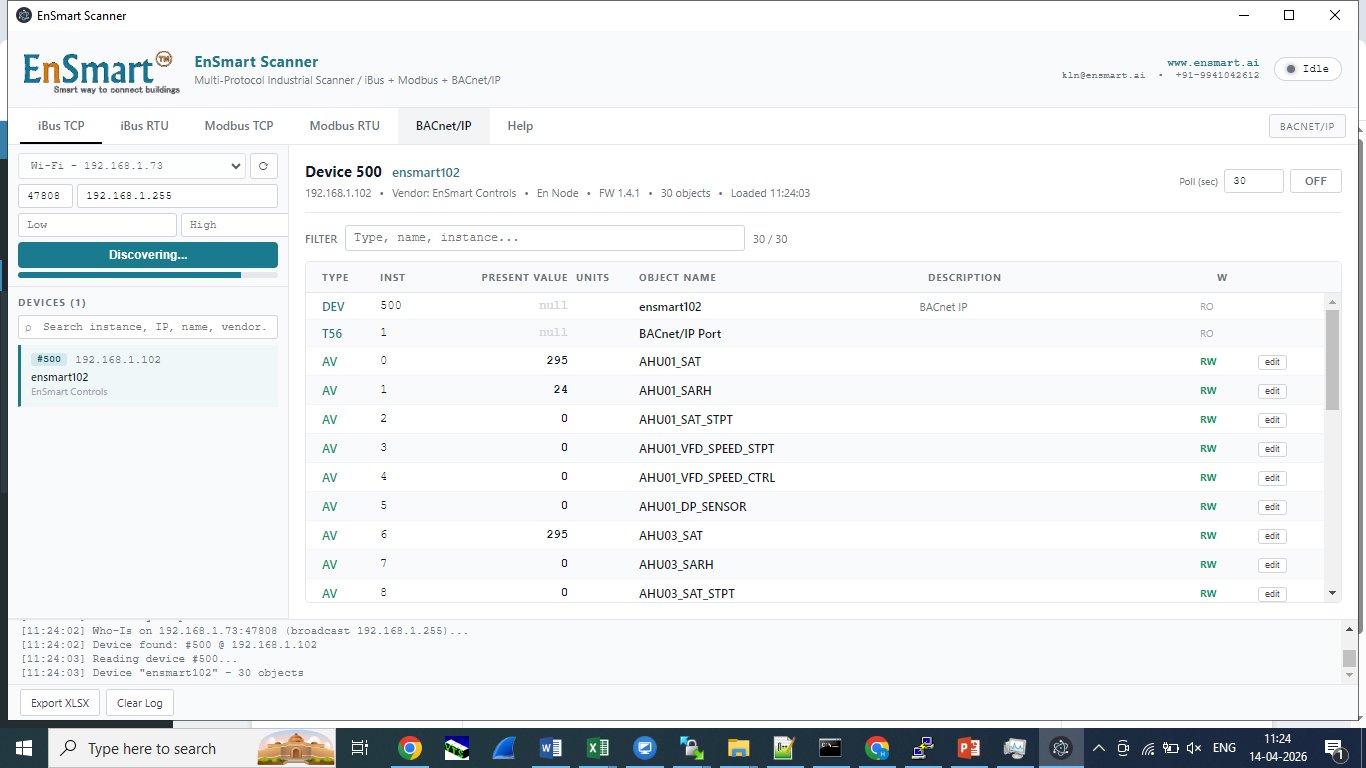
EnSmart Scanner — BACnet/IP object browser
03
BACnet/IP Browser
Who-Is discovery finds every BACnet device on the network. Read and write any object instance.

Download EnSmart Scanner

Windows installer. Quick registration — we send the secure download link to your email so we can support you and notify you of updates.

iBus Protocol Spec →
v1.0 · Windows 10 / 11 · 64-bit · ~85 MB · Free forever